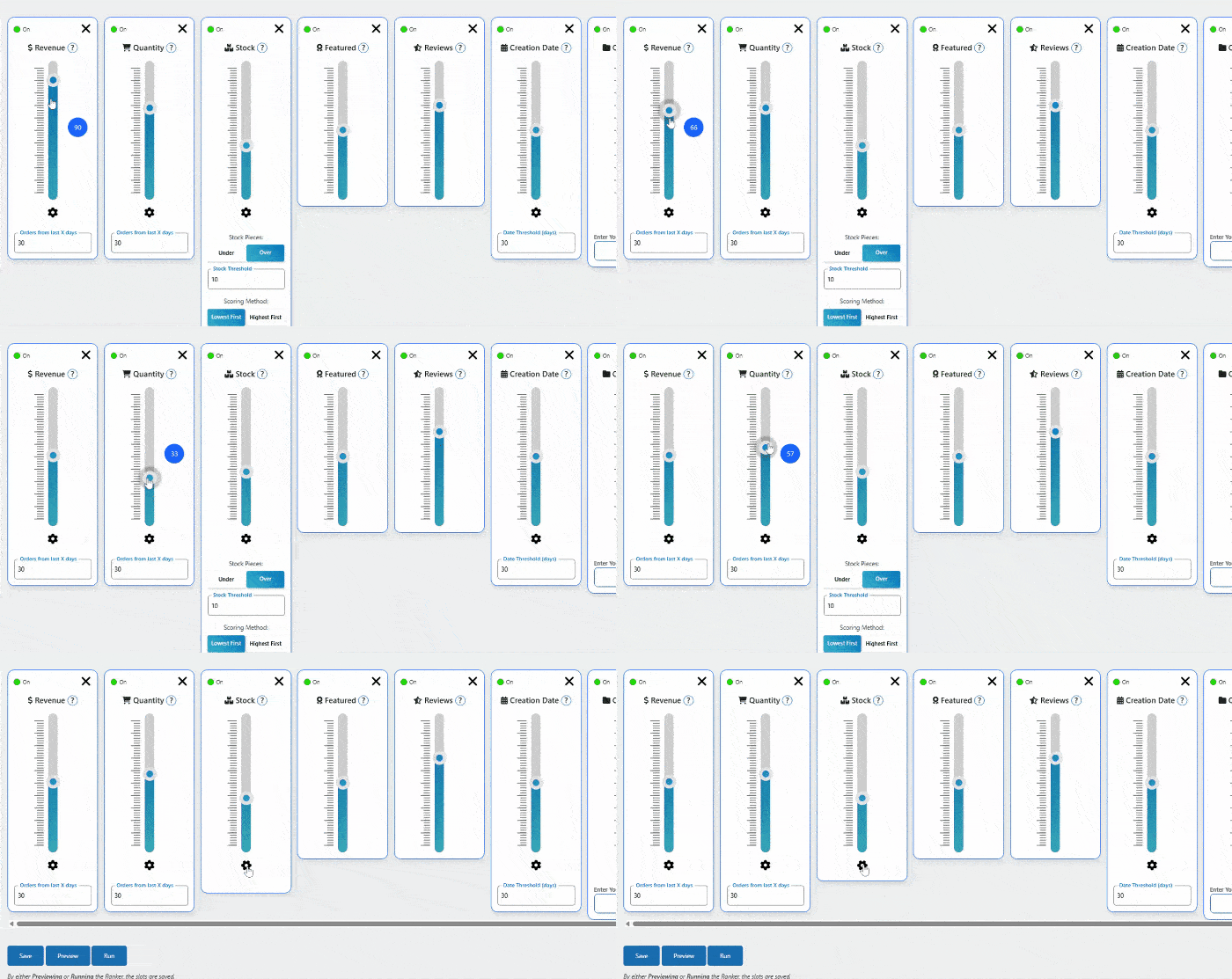
Slider Controls Deep Dive
Each slider has detailed settings accessible via the gear icon ⚙️.
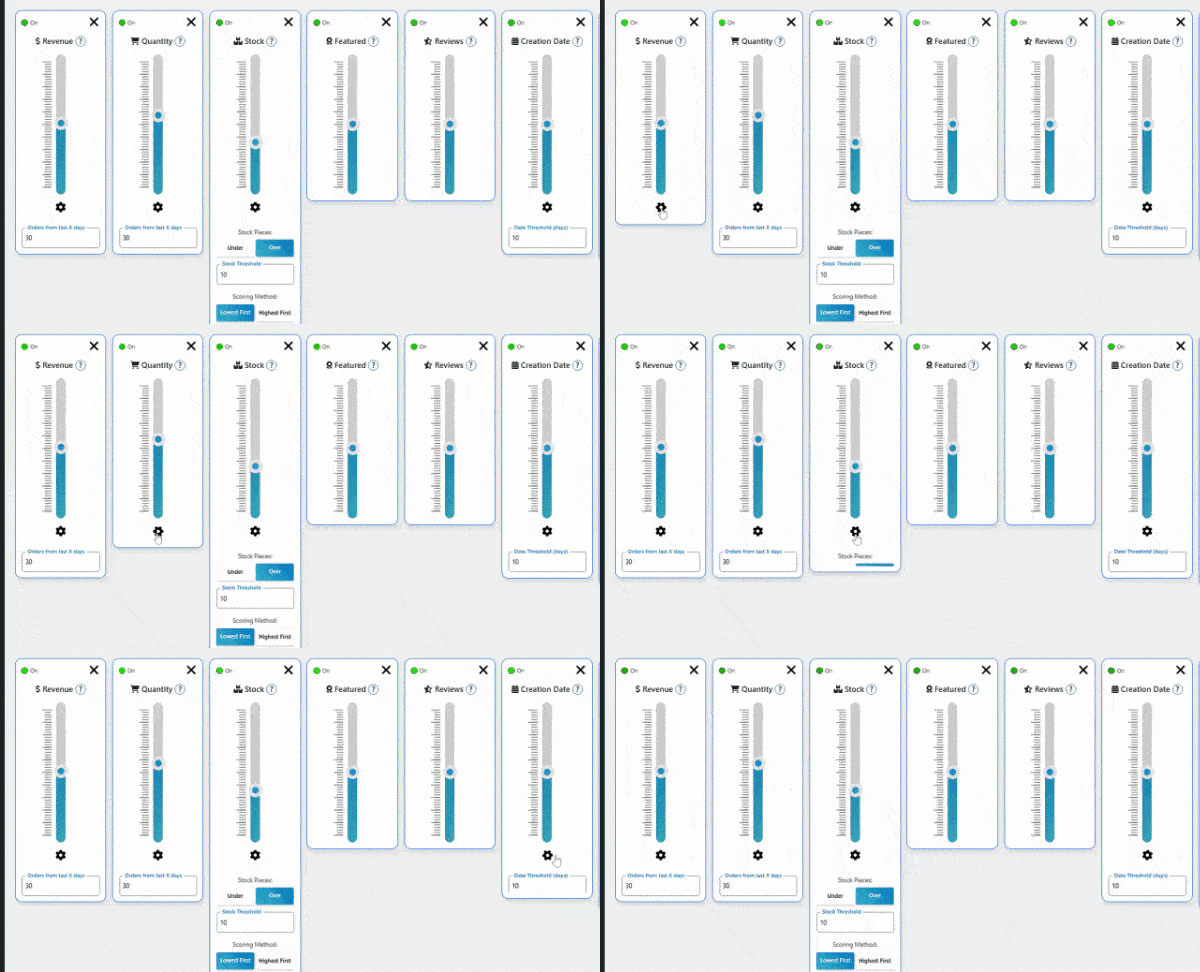
Revenue & Quantity Settings
- Timeframe: Choose 7-90 days for analysis
- Order Status: Include/exclude specific order types
- New Products: How to handle items with no sales history
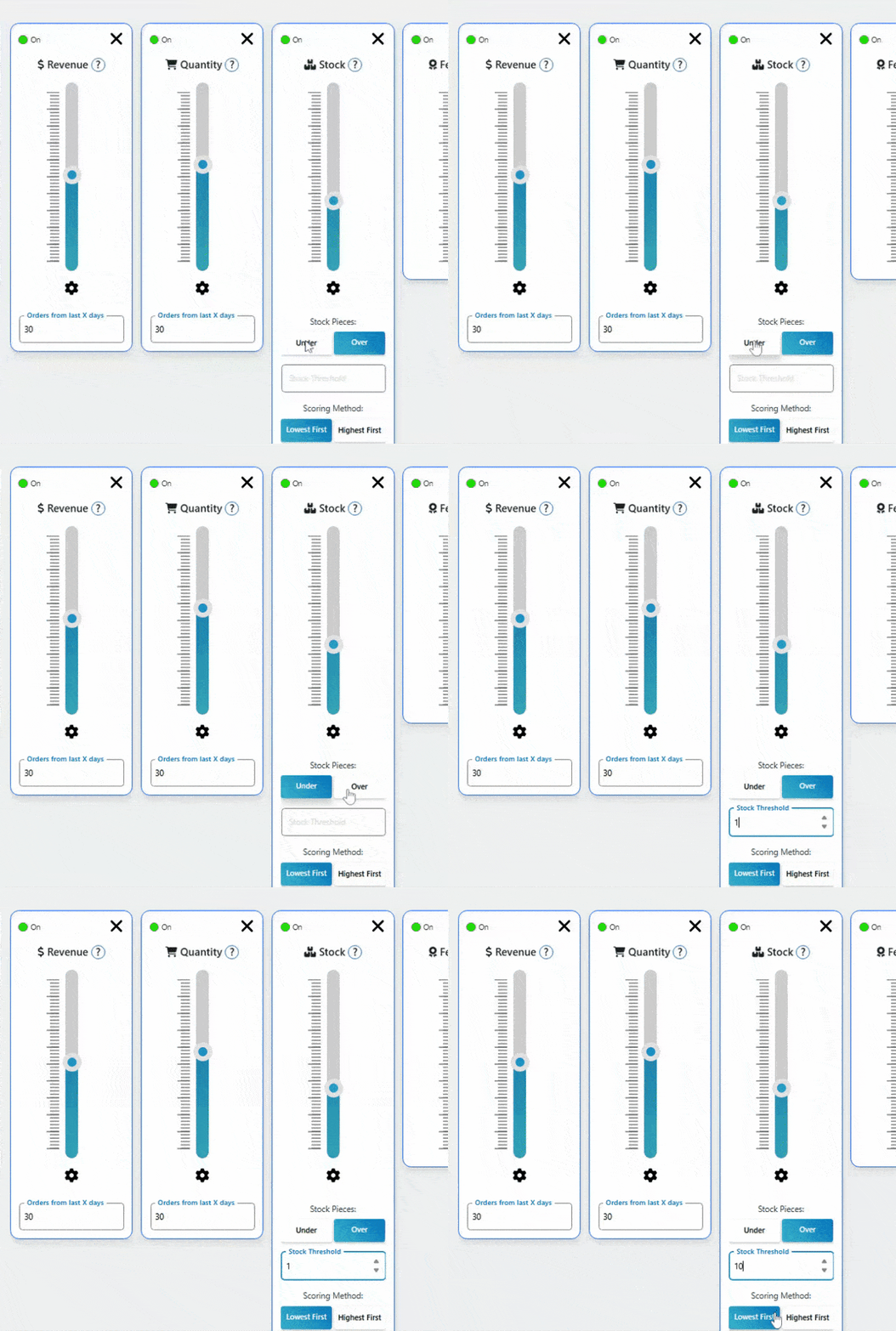
Stock Settings
- Direction: Over (high stock) vs Under (low stock)
- Threshold: Exact stock level trigger
- Priority: Highest first vs Lowest first
Weight Distribution Tips
🎯 Key Insight: Weights are relative, not absolute. A slider at 80 has 4x more influence than one at 20.
Best Practices:
- ✅ Start with preset, then fine-tune
- ✅ Make small adjustments (10-20 points)
- ✅ Preview changes before applying
- ❌ Don’t let one slider dominate (unless intentional)