Set as Default Sorting
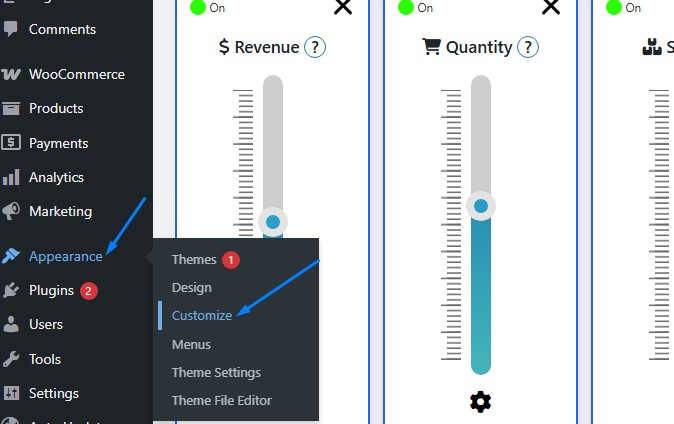
- Access WordPress Customizer
- Go to
Appearance → Customize
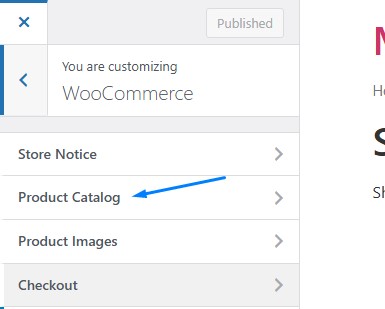
Navigate toWooCommerce → Product Catalog
- Go to
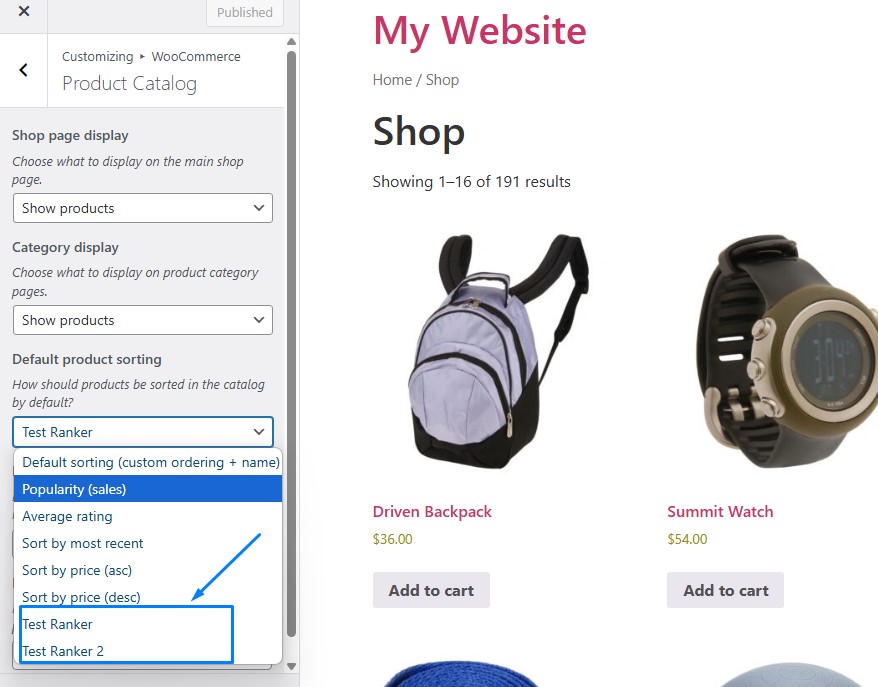
- Change Default Sorting
- Find “Default product sorting”
- Select your ranker from dropdown
- Click
Publish
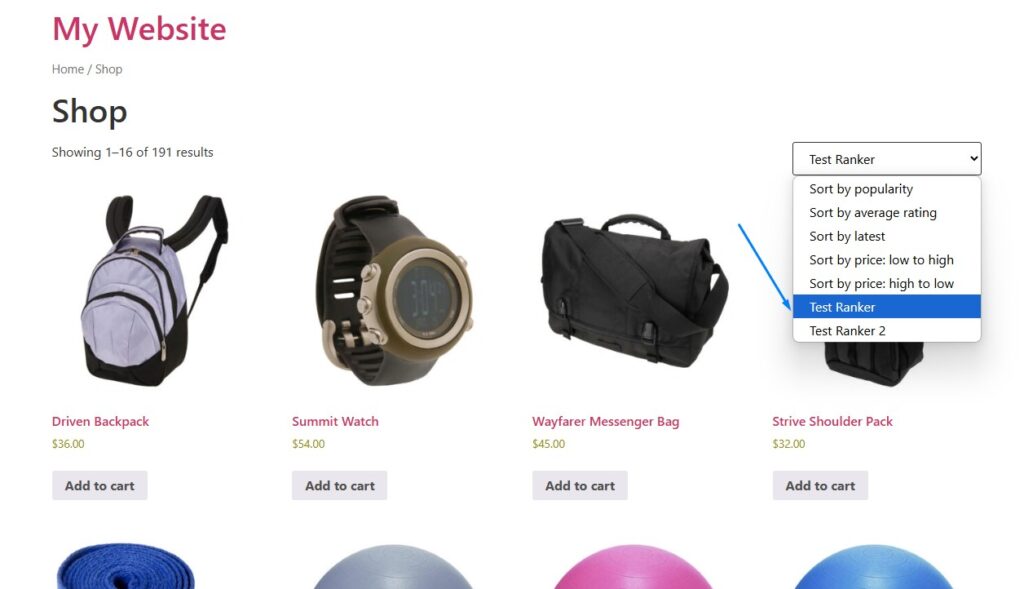
Customer Experience
What customers see:
- Products automatically reordered on shop pages
- Your ranker appears in sorting dropdown
- Can still choose other sorting options