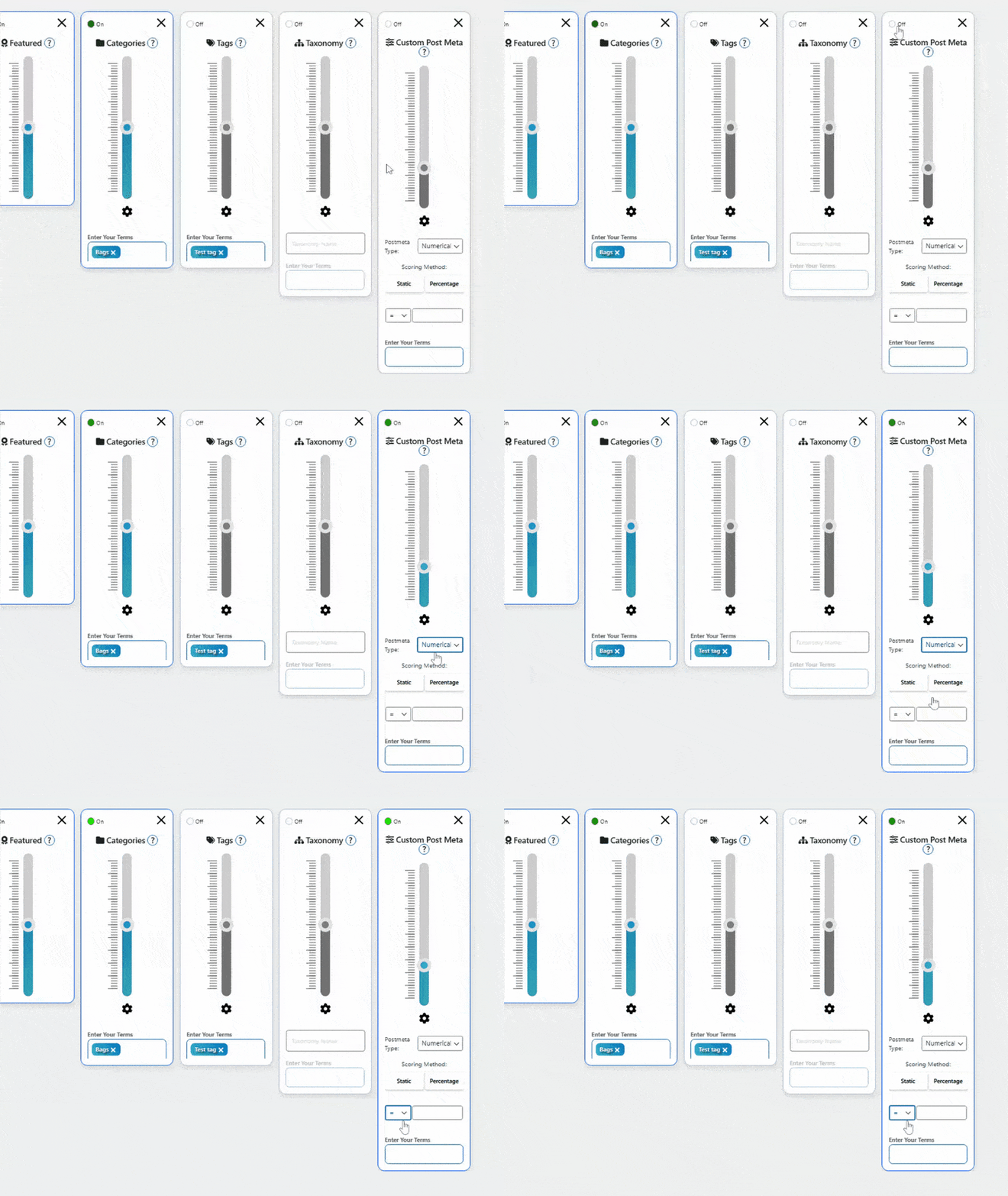
Sliders are the individual factors that determine product ranking. Each slider can be adjusted to give different factors more or less influence.
Core Sliders
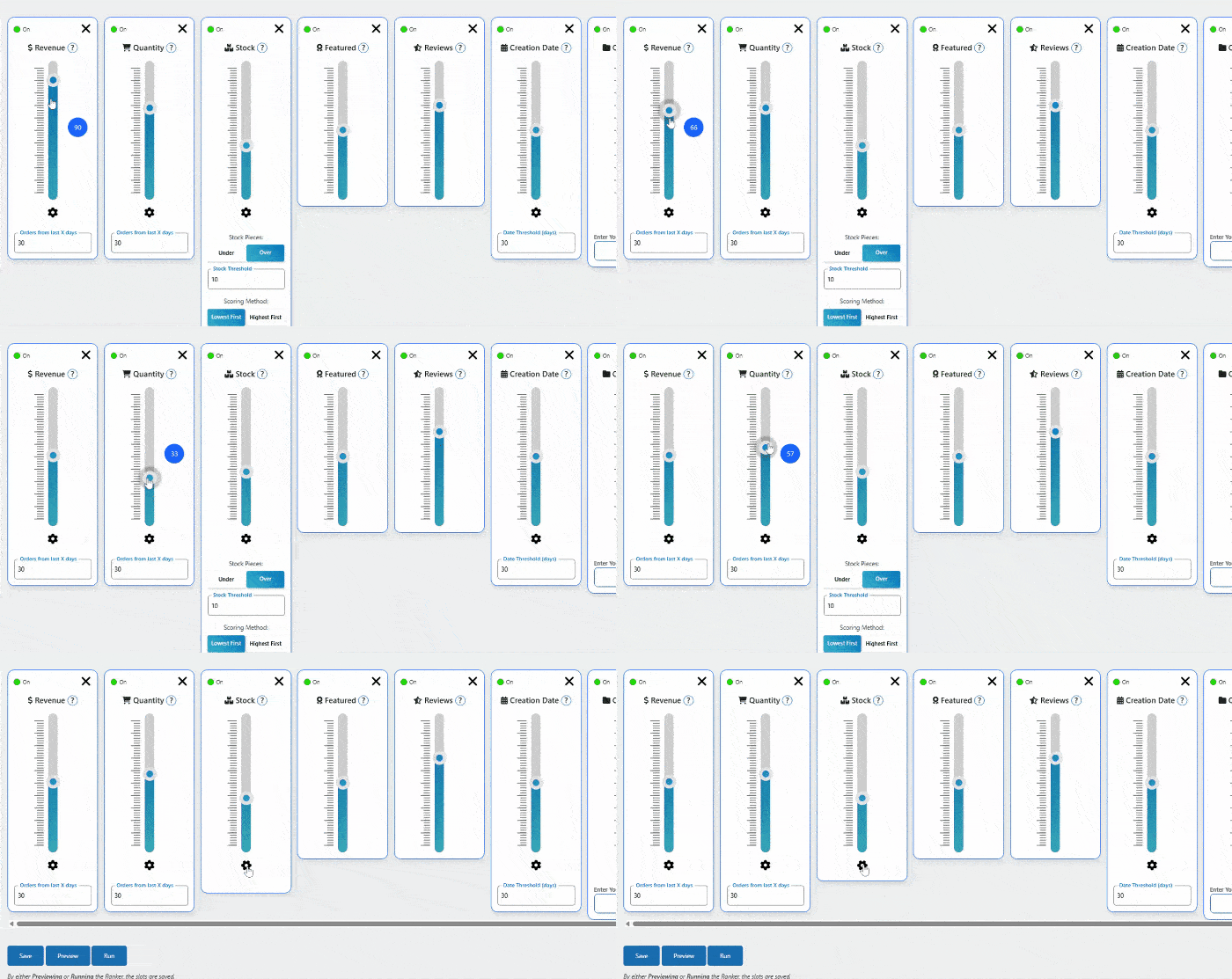
💰 Revenue
What it does: Prioritizes products that make you the most money
Settings:
- Days Back: 7, 14, 30, 60, or 90 days of sales data
- Weight: Higher = more influence on ranking
Best for: Highlighting proven money-makers
🛒 Quantity Sold
What it does: Promotes products with high unit sales
Settings:
- Days Back: Choose timeframe for sales counting
- Weight: Adjust importance vs other factors
Best for: Showing popular items regardless of price point
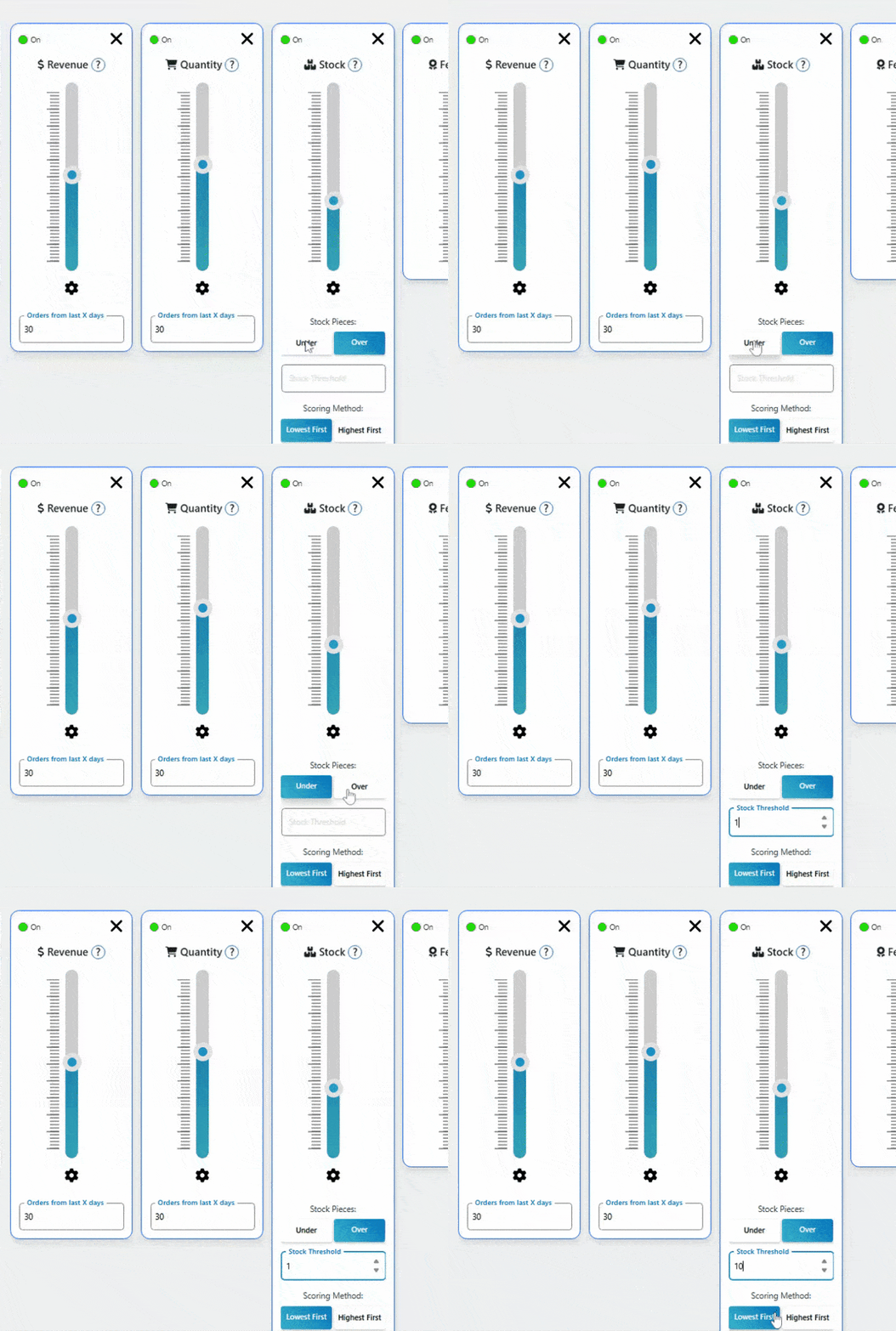
📦 Stock Level
What it does: Controls visibility based on inventory
Key Settings:
- Over/Under: Prioritize high stock OR low stock
- Threshold: Stock level trigger (e.g., 5 units)
- Scoring: Highest First or Lowest First
Use Cases:
- High Stock Priority: Move excess inventory
- Low Stock Priority: Create urgency for limited items
⭐ Featured Products
What it does: Boosts products marked as “featured” in WooCommerce
Settings: Simple weight adjustment
Best for: Manual control over strategic promotions
📝 Customer Reviews
What it does: Promotes products with better ratings and more reviews
How it works: Combines average rating with total review count
Best for: Leveraging social proof and customer satisfaction
📅 Creation Date
What it does: Gives newer products a visibility boost that gradually decreases
Settings:
- Threshold: Days to consider “new” (7-90 days)
- Auto-decay: Boost automatically reduces over time
Perfect for: New product launches and seasonal items
Advanced Sliders
📂 Categories
What it does: Prioritizes products from specific categories
Setup: Select which categories to boost
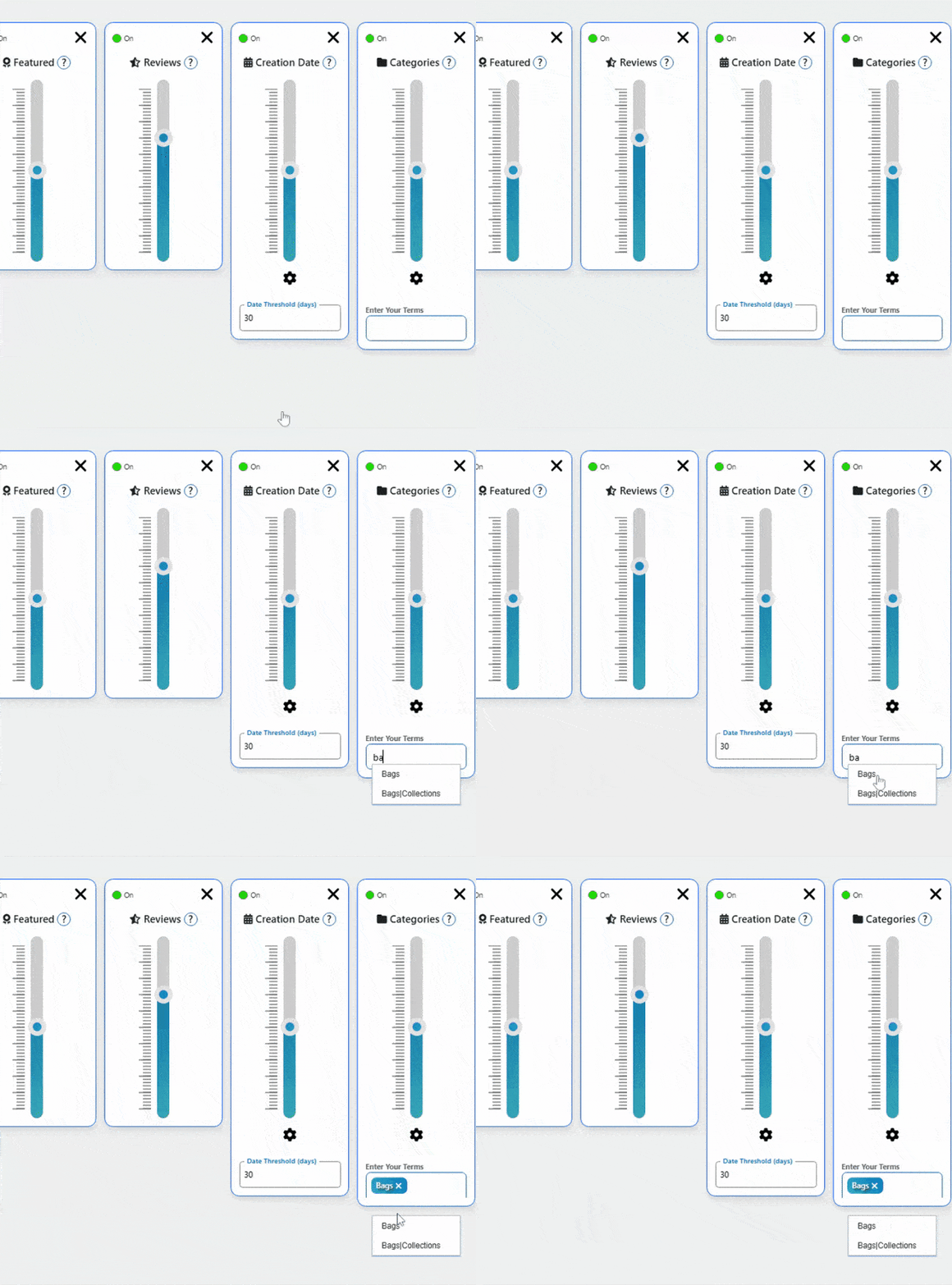
Use cases: Seasonal collections, featured product lines
🏷️ Product Tags
What it does: Boosts products with specific tags
Setup: Enter tag names to prioritize (e.g., “Sale”, “Featured”, “New”)
Great for: Promotional campaigns and targeted marketing
⚙️ Custom Meta Fields (Advanced Plan)
What it does: Use any custom product data for sorting
Examples:
- Profit margins
- Supplier costs
- Custom ratings
- Seasonal scores