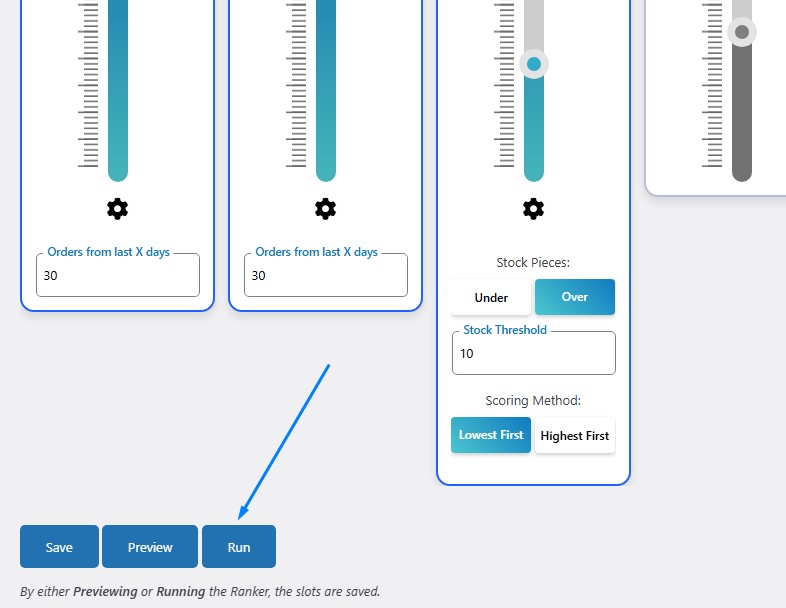
Understanding Rankers
A Ranker is your complete sorting strategy. Think of it as a recipe that tells WooRanker exactly how to order your products.
Quick Setup (Recommended)
- Start New Ranker
- Go to
WooRanker → Add Ranker
- Go to
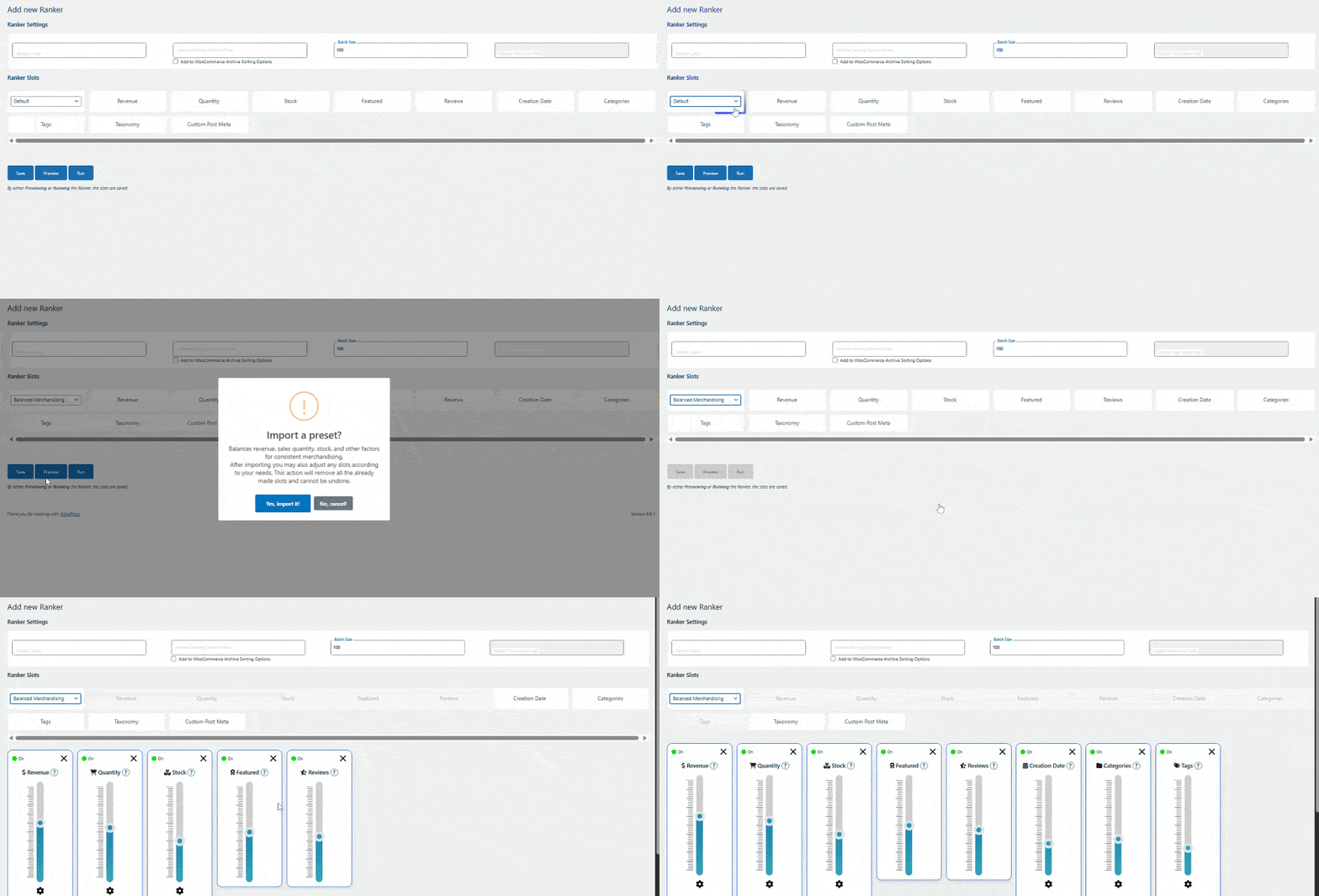
- Choose a Preset
- Click
Select a presetdropdown - Choose
Balanced Merchandising(great for most stores)
- Click
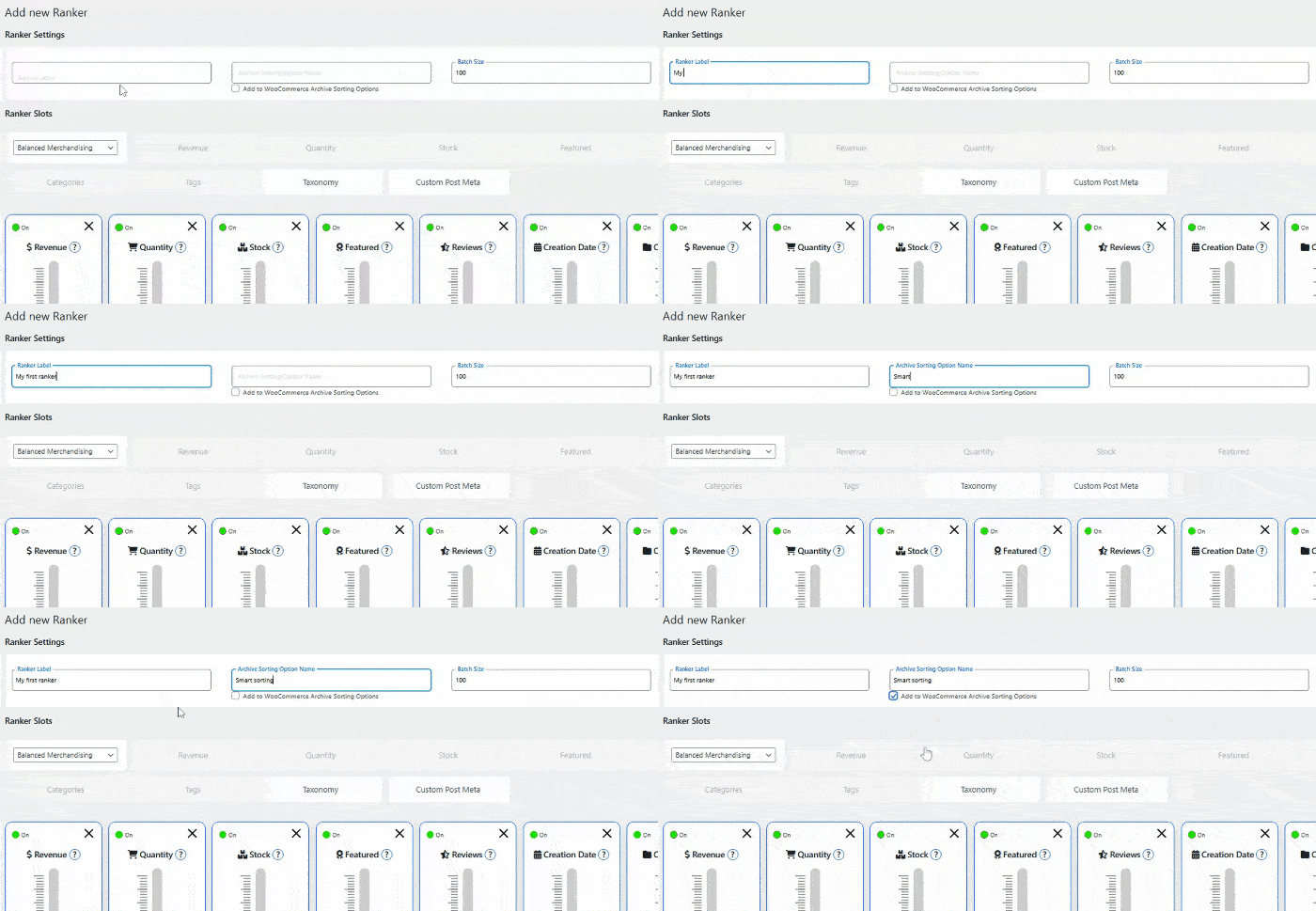
- Name Your Ranker
- Ranker Label:
My First Ranker(internal name) - Archive Sorting Option Name:
Smart Sorting(customers see this) - ✅ Check
Add to WooCommerce Archive Sorting Options
- Ranker Label:
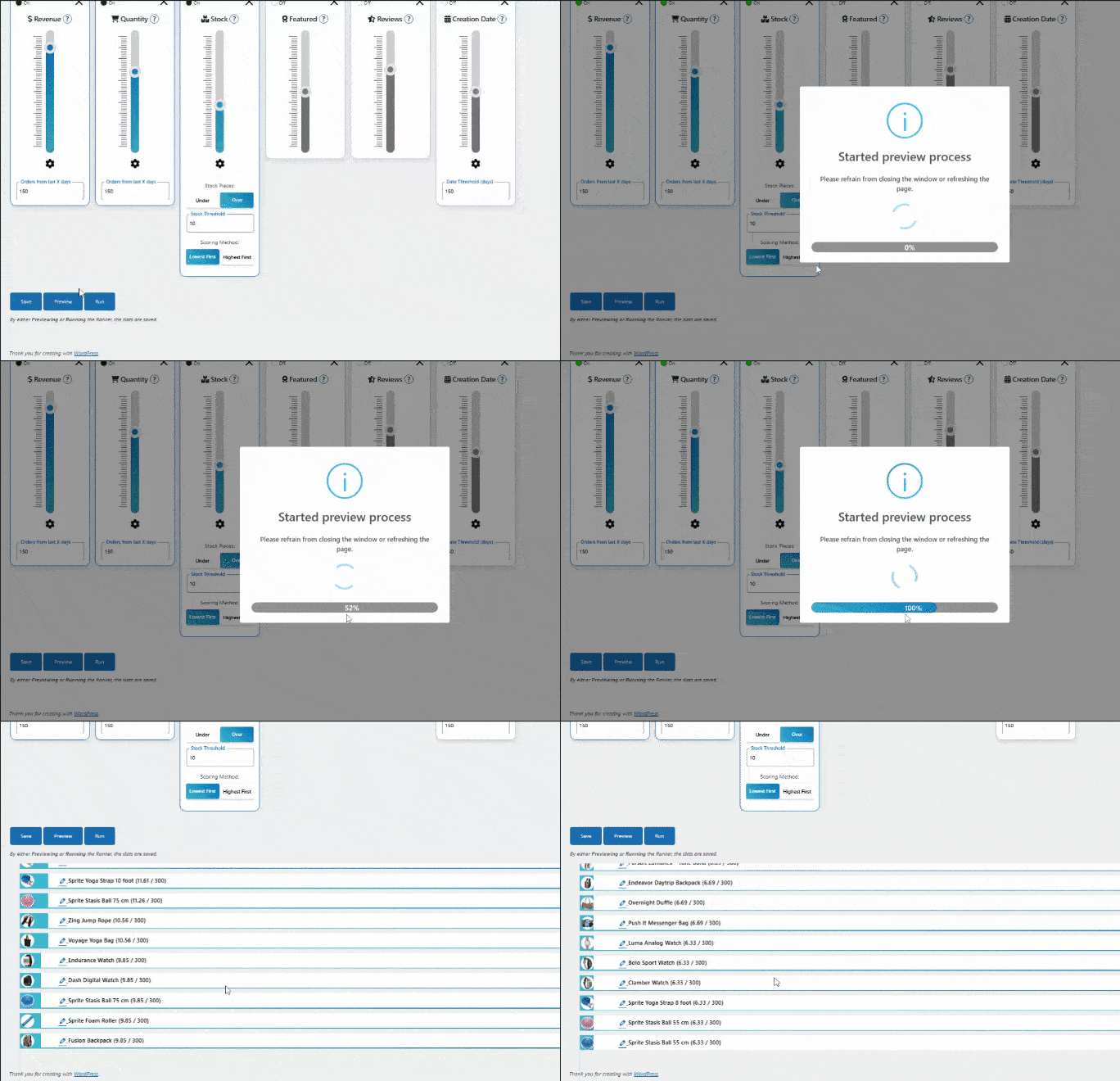
- Preview & Test
- Click
Previewto see how products will be ordered - Review the top 50 products with their scores
- Click
- Go Live
- Click
Runwhen you’re happy with the preview - Products are now sorted automatically!
- Click